QR Code Features
From real-time analytics to bulk creation — everything you need to create, manage, and scale QR Code campaigns in one platform.
Tracking & Analytics
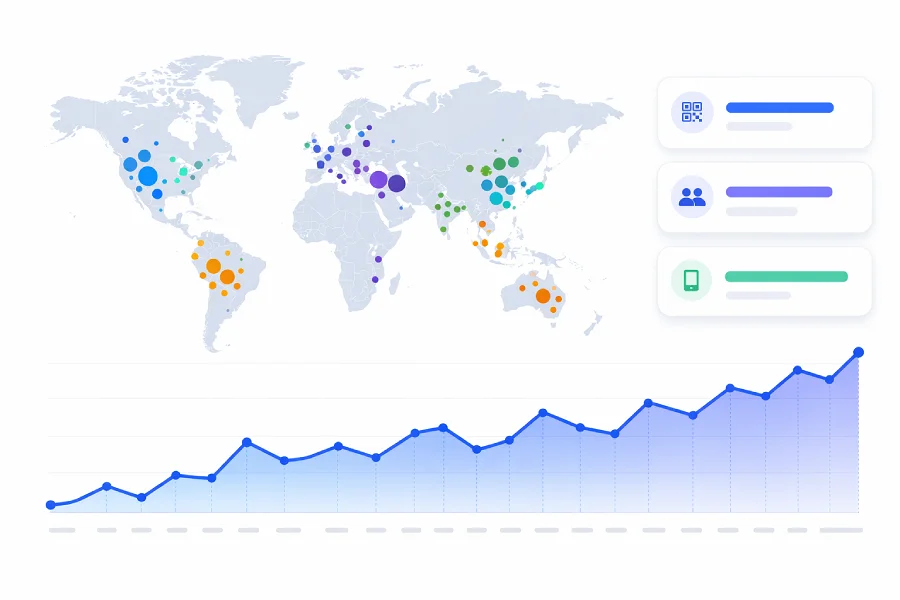
Monitor every scan in real time — understand who's engaging, where they are, and how your campaigns perform.
- Real-time scan dataEvery scan is logged with timestamp, device type, browser, and OS. Understand exactly when and how people interact with your QR Codes.
- Location insightsView scans by country, city, and region on an interactive map. See where your audience is and how engagement varies by location.
- Campaign performance reportsTrack performance with visual charts and exportable data. Compare QR Codes, identify top performers, and make data-driven decisions.
Edit & Manage
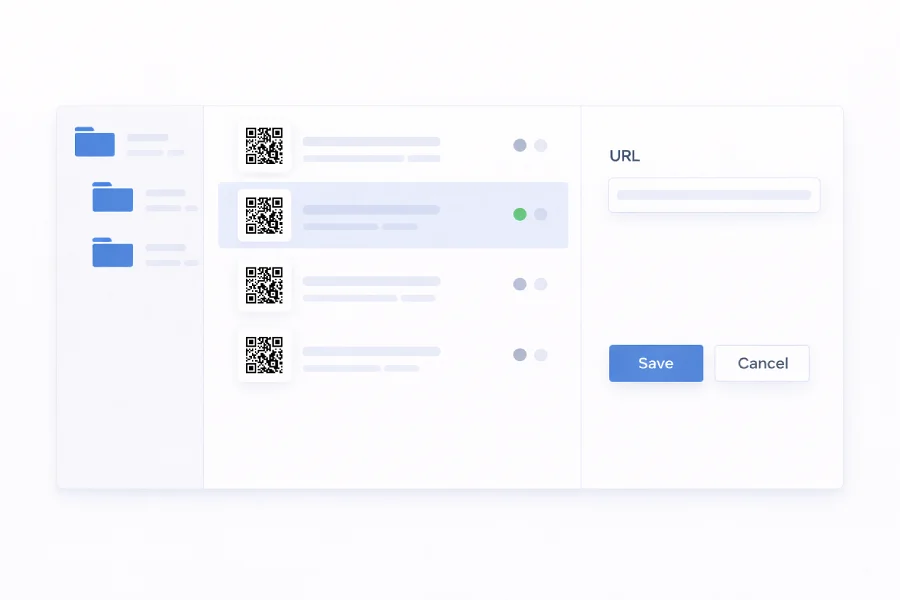
Change where your QR Code points at any time — without reprinting. Keep every code and campaign up to date.
- Update destinations instantlyChange the destination of any dynamic QR Code instantly. Redirect to a new page, campaign, or offer whenever needed.
- Organize with foldersGroup QR Codes by campaign, client, or location. Stay organized and find what you need instantly.
- Download in any formatExport in SVG, EPS, PDF, PNG, or JPG — ready for print, web, and large-format use.
Custom Domains
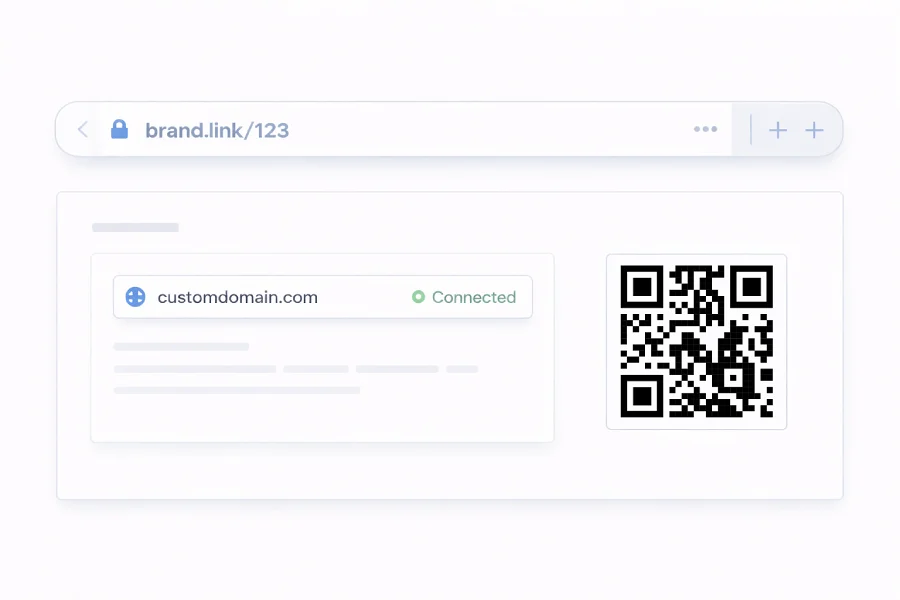
Use your own branded domain for QR Code links — build trust with every scan.
- Connect your own domainReplace generic short links with your own domain. Every scan goes through a URL your audience recognizes and trusts.
- Strengthen brand recognitionWhen people see your domain in the link, they know it's from you — boosting confidence and brand recall.
- Simple DNS setupAdd a single DNS record and your domain is ready. No technical expertise required — the setup wizard guides you.
Team Management
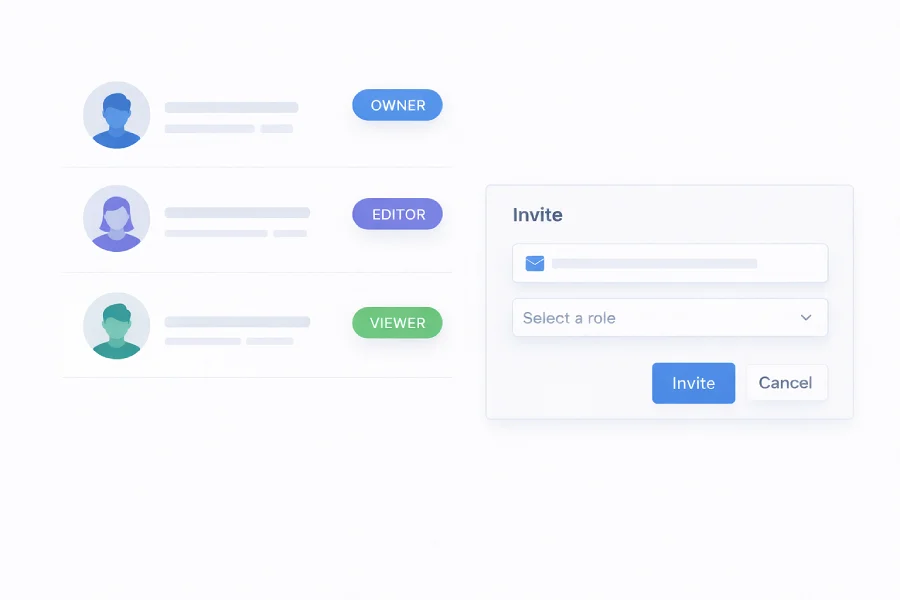
Collaborate with role-based access — control who can create, edit, and manage QR Codes across your organization.
- Role-based permissionsAssign roles so everyone has the right access level. Owners have full control, editors manage codes, and viewers have read-only access.
- Invite team membersAdd teammates by email and get started in seconds. Everyone shares the same dashboard with visibility into campaigns and performance.
- Centralized account controlManage QR Codes, team members, and billing from one place. No scattered logins — just one workspace for your entire team.
Templates
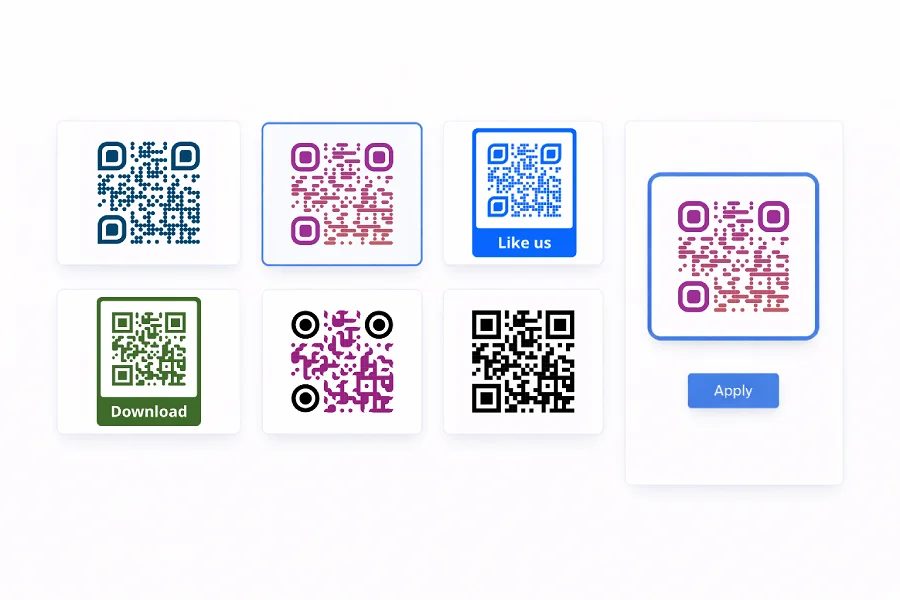
Save QR Code designs as reusable templates — apply your brand style in one click and keep every code consistent.
- Save any design as a templateCustomize colors, shapes, patterns, and logos once, then save for reuse. Create templates for different brands or campaigns.
- Apply with one clickPick a saved template when creating a new QR Code — your design is applied instantly. No need to start from scratch.
- Keep branding consistentEvery QR Code matches your brand guidelines, no matter who creates it. Templates guarantee a polished look every time.
Bulk Creation
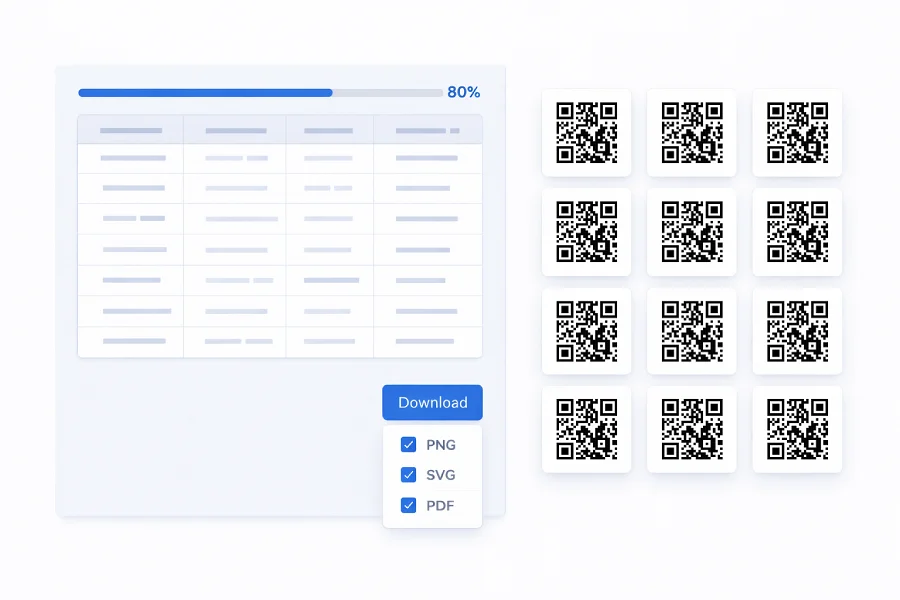
Generate hundreds or thousands of QR Codes at once — upload a spreadsheet, apply your design, and download in one batch.
- Create hundreds at onceUpload a CSV with your data and the platform creates a unique QR Code for every row — no manual work required.
- Unique content per codeEach code in the batch gets its own destination. One upload, hundreds of individually targeted codes — created in seconds.
- Apply designs in bulkChoose a template or customize once, and it applies to every code in the batch. Consistent branding with zero extra effort.