QR Code Solutions
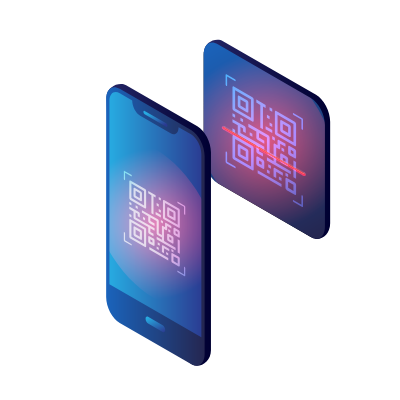
Choose from a growing library of QR Code types — each one built to solve a specific need. Customize your design and download in seconds.
Website QR Code
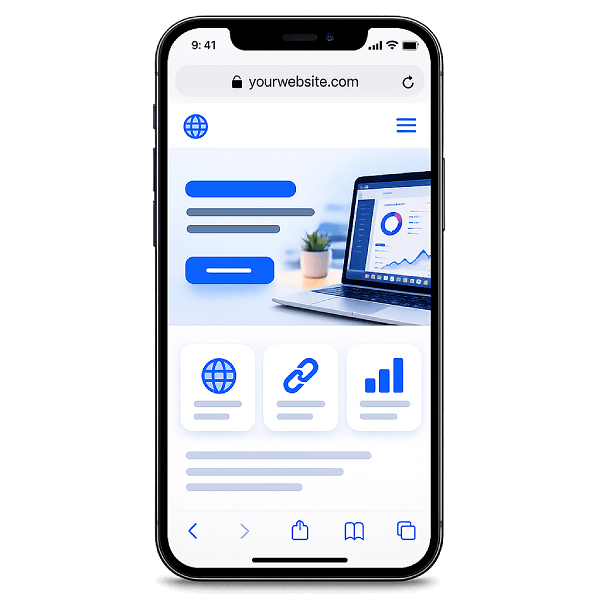
Link to any URL with a single scan — perfect for marketing materials, packaging, menus, or digital content.
- Paste any web addressEnter the URL to your website, landing page, store, portfolio, or social profile. The QR Code will point directly to it.
- One scan, instant accessPeople scan with their phone camera and land on your page immediately — no typing, no searching, no app needed.
- Put it on anythingPrint it on packaging, posters, flyers, business cards, menus, or labels. It bridges print and digital in one scan.
Text QR Code
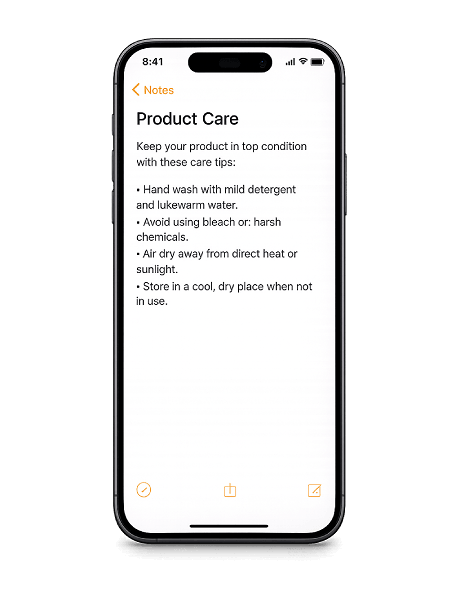
Share text instantly — messages, instructions, or codes that can be read offline.
- Type any messageEnter plain text — notes, product instructions, serial numbers, or event details. Whatever you type is stored inside the QR Code.
- Works completely offlineThe text is embedded in the code, not hosted online. Content appears instantly — even without Wi-Fi or mobile data.
- Ideal for physical materialsAdd it to packaging, instruction manuals, warehouse labels, event badges, or anything that needs quick access to readable info.
Wi-Fi QR Code
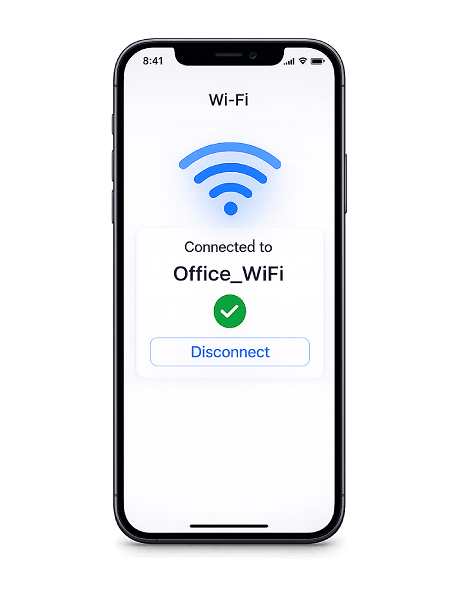
Let anyone connect to Wi-Fi without typing a password — ideal for home, office, events, or public spaces.
- Enter your network detailsAdd the network name (SSID), password, and encryption type. The QR Code stores everything needed to join your network.
- Scan to connect instantlyGuests scan the code and join Wi-Fi automatically — no need to ask for or type the password.
- Perfect for any shared spacePlace it in cafés, hotel rooms, offices, coworking spaces, Airbnbs, or event venues. Anywhere people expect to connect.
vCard QR Code
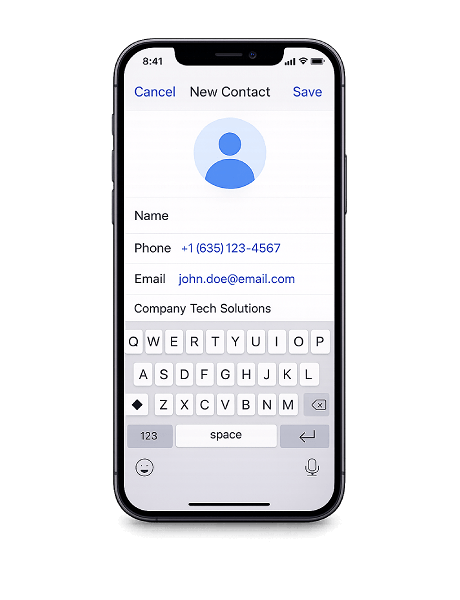
Share contact details that save directly to any phone — replace paper business cards with a digital vCard.
- Add your full contact infoInclude name, phone, email, company, job title, website, and address — everything someone needs to reach you in one code.
- Saved to contacts in one tapWhen scanned, your full contact card is added to their phone's address book. No retyping, no screenshots, no lost details.
- Ditch the paper business cardUse it at conferences, trade shows, client meetings, or in your email signature. It never runs out, and your info stays up to date.
SMS QR Code
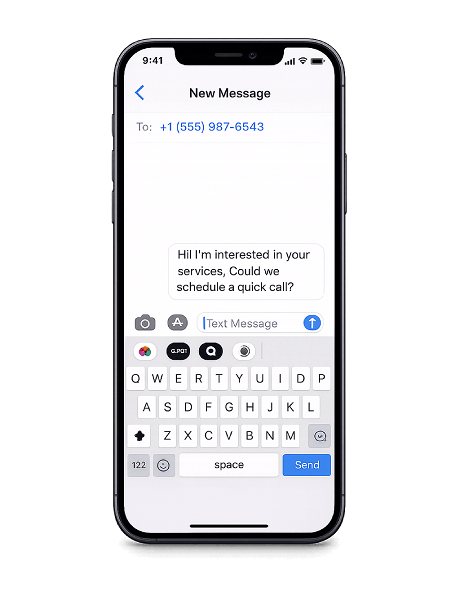
Send a pre-filled text message with a single scan — great for feedback, support lines, or opt-ins.
- Set the number and messageEnter the phone number and compose the message in advance. When scanned, everything is filled in and ready to go.
- Scan and sendOne scan opens the messaging app with the number and text in place. The user just taps send — it takes seconds.
- Get faster responsesUse it for support requests, feedback, appointment confirmations, opt-ins, or any situation where you want people to text you easily.
Email QR Code
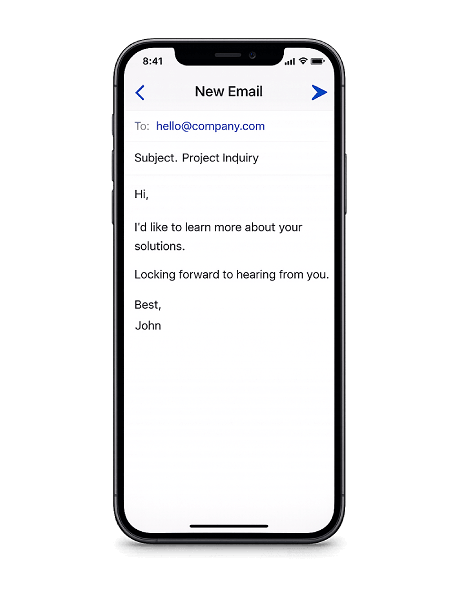
Open a pre-filled email instantly — recipient, subject, and body included for zero-effort outreach.
- Set the recipient addressPre-fill the email address so every scan reaches the right person or team. No typos, no hunting for contact info.
- Pre-fill subject and bodyInclude a subject line and message body so the email is ready to send the moment someone scans. They can edit or send as-is.
- Make it easy to reach youAdd it to flyers, packaging, receipts, or business cards. Turn any physical touchpoint into a direct line to your inbox.