Wi-Fi QR Code Generator
What is a Wi-Fi QR Code?
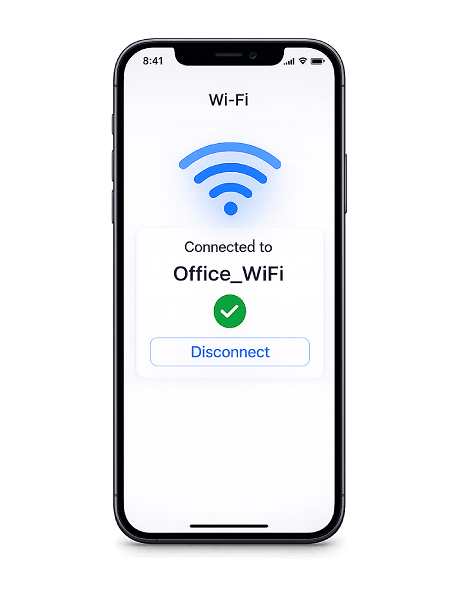
A Wi-Fi QR Code stores everything someone needs to join your wireless network — the network name (SSID), password, and encryption type. When scanned, the device connects automatically without any manual input.
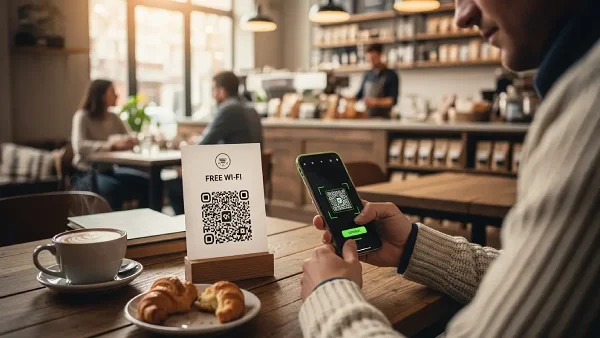
This makes sharing Wi-Fi as simple as pointing a camera. No more dictating passwords, writing them on whiteboards, or printing them on sticky notes. One scan and the connection is established.
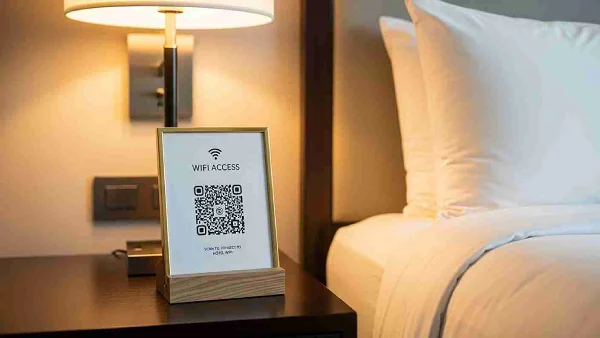
Use them in schools, hotels, cafés, Airbnb properties, waiting rooms, event venues, or at home. Anywhere you regularly share Wi-Fi access with guests, a QR Code removes the friction entirely.
Why use a Wi-Fi QR Code?
Wi-Fi QR Codes eliminate the most tedious part of sharing network access — typing long, complex passwords on a small screen. They work across all modern smartphones and make connecting effortless for everyone, regardless of language or technical ability.
- No password typing — Long, complex passwords are hard to type on mobile. A Wi-Fi QR Code lets guests scan and connect in seconds — no spelling out characters, no mistakes.
- Safer and more private — Your password stays hidden. Guests connect through the QR Code without ever seeing your actual credentials, so you stay in control of who has access.
- Contactless convenience — No need to hand over a printed sheet or share your phone. Display the QR Code on a wall, table tent, or screen — ideal for clinics, cafés, and shared spaces.
- Professional impression — A cleanly designed Wi-Fi QR Code signals that you're organized and thoughtful. It's a small detail that improves how people experience your space.
How to create a Wi-Fi QR Code
- Enter your network name (SSID), password, and encryption type (WPA/WPA2, WEP, or none) in the generator above.
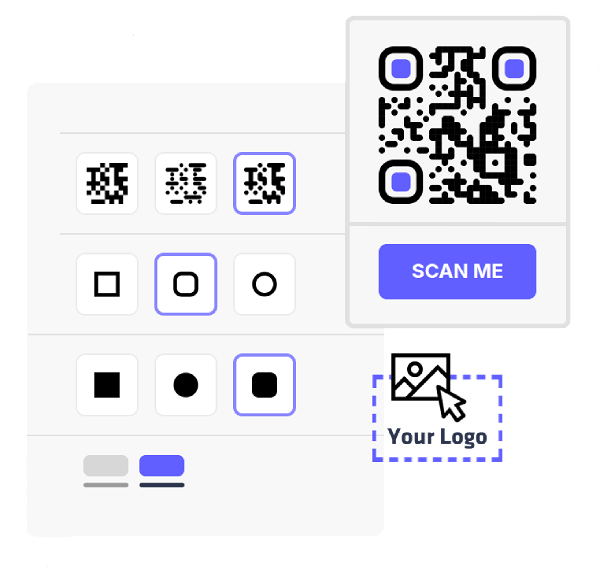
- Pick your colors, change the module and eye styles, and add your logo to match your brand.
- Export your QR Code in PNG or SVG — both formats are ready for digital use or high-quality print.
- Print the QR Code and display it wherever guests need Wi-Fi — reception desks, table tents, welcome guides, or wall signs.
Where to use a Wi-Fi QR Code