Email QR Code Generator
Enter the email address, subject, and message, customize the design, and download your QR Code.
What is an email QR Code?
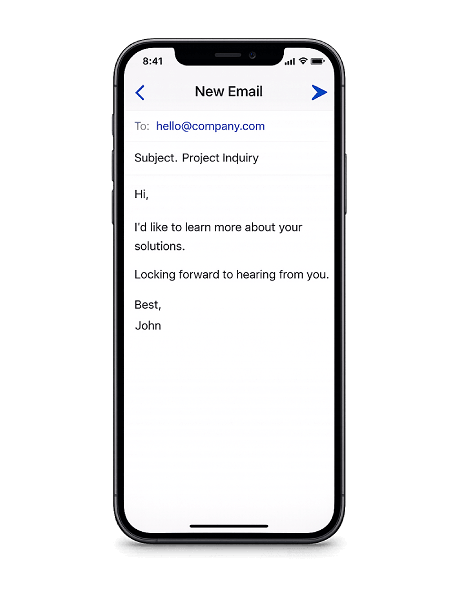
An email QR Code stores a recipient address, a subject line, and an optional message body. When scanned, it opens the device's email app with everything filled in — the sender just taps send.
Instead of asking people to copy an address, write a subject, and compose a message from scratch, an email QR Code does the work for them. One scan and the email is ready to go.
Place them on business cards, invoices, product packaging, posters, or event materials — anywhere you want people to reach you by email without any extra steps.
Why use an email QR Code?
Email QR Codes turn a physical touchpoint into a ready-to-send message. No typing, no misspelled addresses, and enough space to include a structured subject and body that guide the conversation from the start.
- Pre-filled and ready to send — The recipient, subject, and message body are already set. Users scan, review, and tap send — no typing, no typos, no lost messages.
- Room for detail — With up to 1,000 characters for the message body, you can include structured prompts, reference numbers, or instructions — far more than a text message allows.
- Professional and traceable — Email creates a written record that both sides can search and reference later. Better suited than a text message for formal requests, orders, or applications.
- Works on every device — The device's built-in email app handles everything. No extra downloads, no logins, no third-party tools.
How to create an email QR Code
- Enter the recipient's email address, a subject line, and an optional message in the generator above.
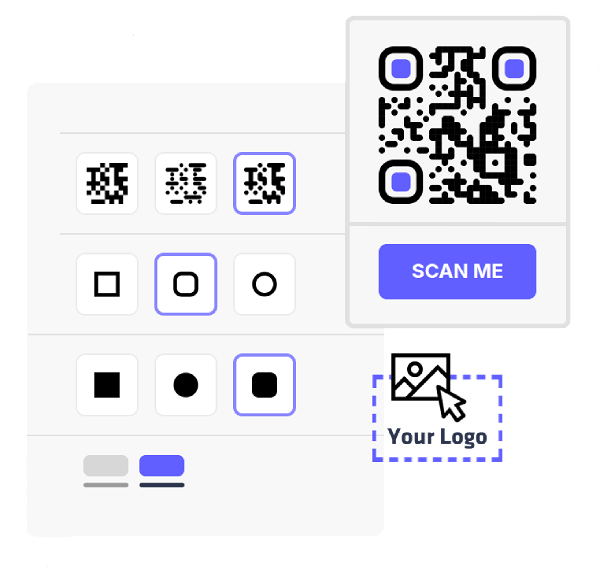
- Pick your colors, change the module and eye styles, and add your logo to match your brand.
- Export your QR Code in PNG or SVG — both formats are ready for digital use or high-quality print.
- Print the QR Code on business cards, invoices, packaging, posters, or any surface where you want people to email you instantly.
Practical ways to use an email QR Code
Service bookings
Add a QR Code to ads, brochures, or storefront signs. People scan to email and book a session, consultation, or appointment — one scan replaces filling out a form or navigating a website.
Vendor inquiries
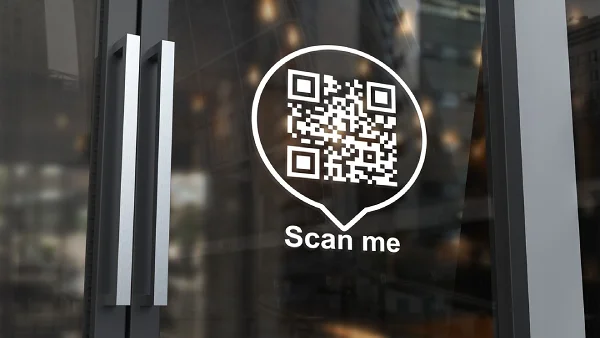
Add a QR Code to product catalogs, trade show displays, or price lists. Prospects scan to email your sales team directly with a pre-filled subject referencing the product or service.

Frequently asked questions
The device will prompt them to set up an email account or choose an app. Without an email client, the mailto link can't open — but virtually all smartphones come with one pre-installed.
No. The mailto format only supports the recipient address, subject line, and message body. Attachments must be added manually by the sender after scanning.
No. The email looks like any other message from the sender. There's no indication that it was composed through a QR Code scan.
No. The mailto format supports a single recipient address. If you need to reach multiple people, use a shared inbox or mailing list address as the recipient.