Text QR Code Generator
What is a text QR Code?
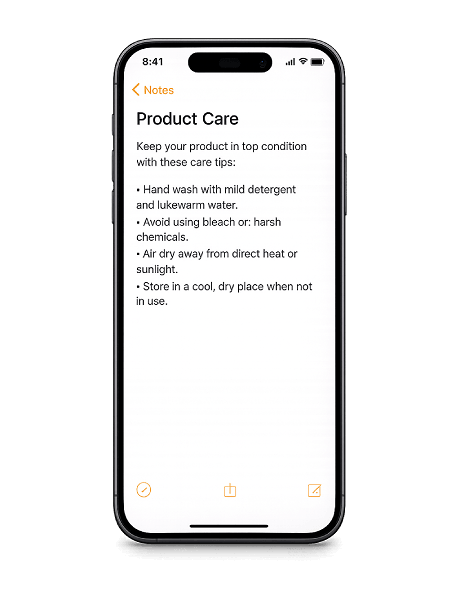
A text QR Code stores plain text directly inside the code pattern. When scanned, the message appears on screen instantly — no internet connection, no website, no app required.
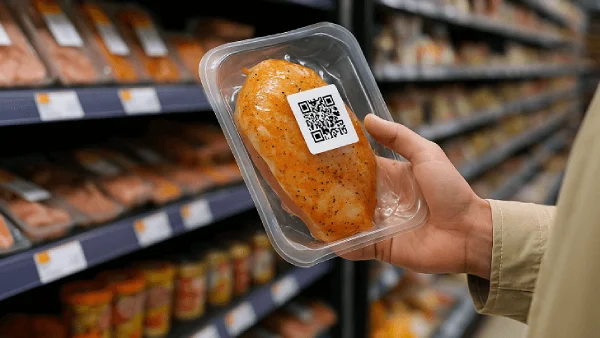
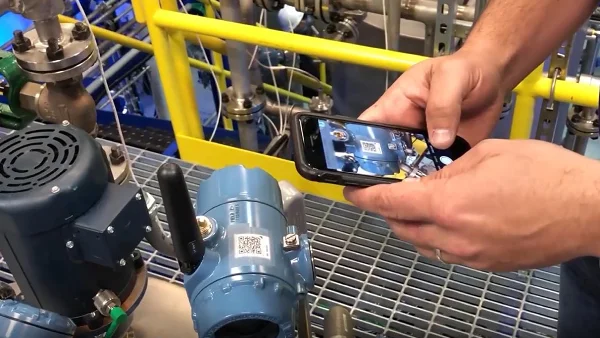
Text QR Codes are commonly used for reference numbers, serial codes, short instructions, internal identifiers, and quick notes. The content is embedded in the QR Code itself, not hosted online, which means it works anywhere — even without cell service.
The content is permanent once created. That makes text QR Codes ideal for information that stays the same: product details, fixed instructions, or anything that doesn't need updating. No link, no internet, no expiration.
Why use a text QR Code?
Text QR Codes are the simplest way to share information through a scannable code. The text lives inside the pattern itself — no internet, no expiration. They work across all devices and require nothing to install.
- Works offline — The text is stored inside the code itself — nothing is loaded from the internet. It works in basements, on airplanes, in warehouses, and anywhere else without a signal.
- No app needed — Built-in camera apps on both iOS and Android can read text QR Codes natively. There's nothing extra to install.
- Simple and direct — No URLs, no redirects, no loading screens. Scan the code and the text appears immediately.
- Free and unlimited — Generate as many text QR Codes as you need — no cost, no account, no limits.
How to create a text QR Code
- Type or paste your message into the generator above — notes, serial numbers, instructions, or any plain text.
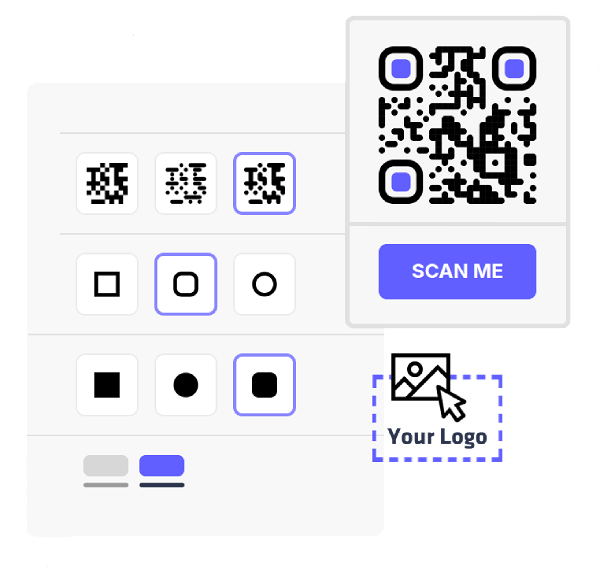
- Pick your colors, change the module and eye styles, and add your logo to match your brand.
- Export your QR Code in PNG or SVG — both formats are ready for digital use or high-quality print.
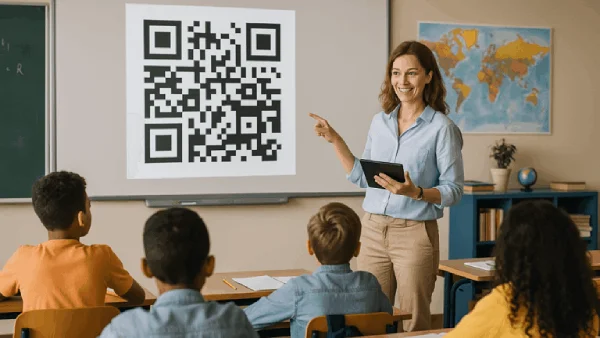
- Print the QR Code on packaging, labels, worksheets, signage, or any surface where people need quick access to the text.
Practical ways to use a text QR Code