Edit & Manage QR Codes
How it works
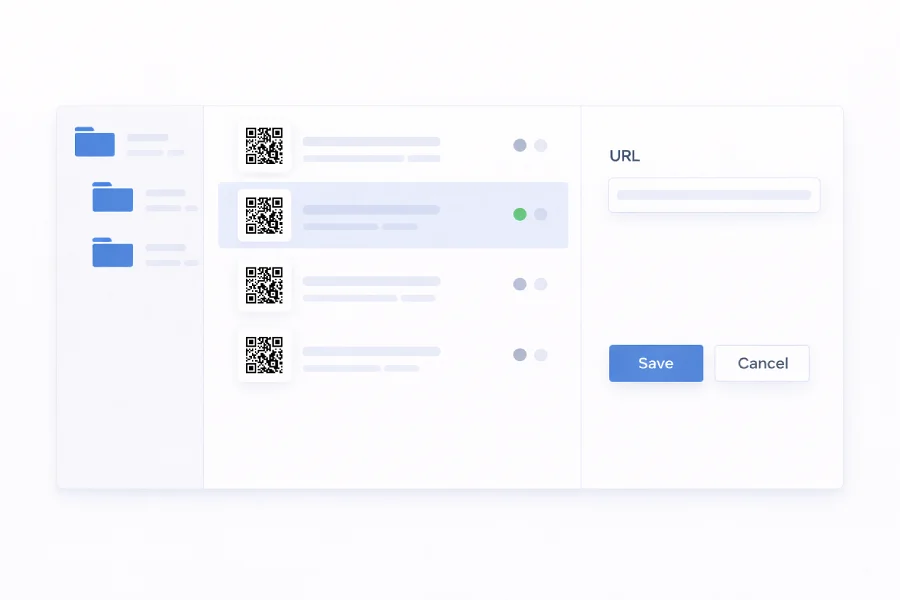
Dynamic QR Codes give you full control after creation. Change destinations, switch content types, update designs, and organize codes — all from one place. The code on paper stays the same; what it does changes instantly.
Static QR Codes embed content directly, so it can't be changed after creation. You can still update the design — colors, logos, and frames — and export a new version for future use.
Whether you're running a single campaign or managing hundreds of codes across teams, the editing and management tools keep everything organized, up to date, and easy to manage at scale.
Edit your QR Codes
Dynamic QR Codes let you control what happens after a scan — no new code required.
- Update content — Change URLs, contact details, descriptions, dates, or any linked content at any time. The printed code stays the same.
- Change QR Code type — Switch a QR Code from one type to another — for example, from a menu to a website — without creating a new code.
- Edit the design — Update colors, logos, patterns, and frames at any time. Reprint only if you want the physical version to reflect the new design.
- Customize short URLs — Create a memorable short URL instead of a random one. Ideal for sharing alongside your QR Code.
Manage your QR Codes
Keep your QR Codes organized and under control — from pausing active codes to organizing campaigns in folders.
- Pause codes — Temporarily disable a dynamic QR Code when content is no longer relevant. Reactivate it anytime without losing data or design.
- Reset scan tracking — Reset scan statistics and start fresh — useful after updating content or launching a new campaign.
- Organize in folders — Group QR Codes by campaign, client, or event. Move and reorganize them anytime.