vCard QR Code Generator
What is a vCard QR Code?
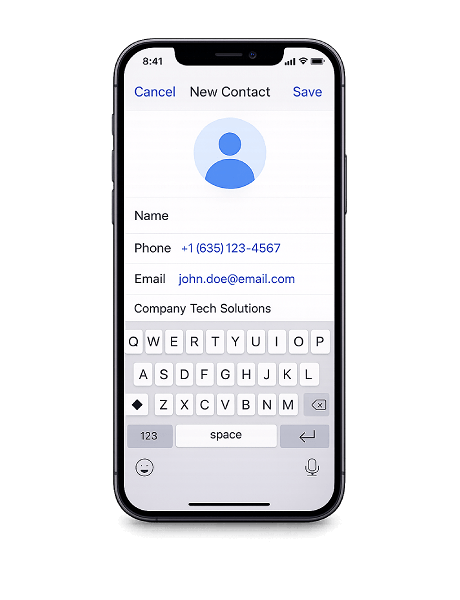
A vCard QR Code stores your contact information — name, phone number, email, company, job title, website, and address — inside a single scannable code. When someone scans it, the full contact card is ready to save to their phone in one tap.
Instead of handing out paper business cards or spelling out your email, a vCard QR Code lets people capture all your details instantly. No retyping, no screenshots, no lost cards at the bottom of a bag.
Add it to your business card, email signature, resume, event badge, or office door. Anywhere someone might need your contact information, a vCard QR Code makes it available in seconds.
Why use a vCard QR Code?
A vCard QR Code turns contact sharing into a single scan. It works across all smartphones, saves directly to the address book, and ensures your details are captured accurately every time.
- Saves directly to contacts — The contact card is added to the phone's address book with one tap after scanning. No manual entry, no typos, no missing details.
- Never runs out — Unlike paper business cards, a QR Code can be scanned unlimited times. Print it once and share your details with as many people as you need.
- Cleaner card design — Move the bulk of your contact details into the QR Code and keep your business card minimal. Less clutter, more impact.
- Works on every phone — Both iOS and Android handle vCard data natively through the built-in camera app. No third-party app required.
How to create a vCard QR Code
- Enter your name, phone number, email, company, job title, address, and website in the generator above.
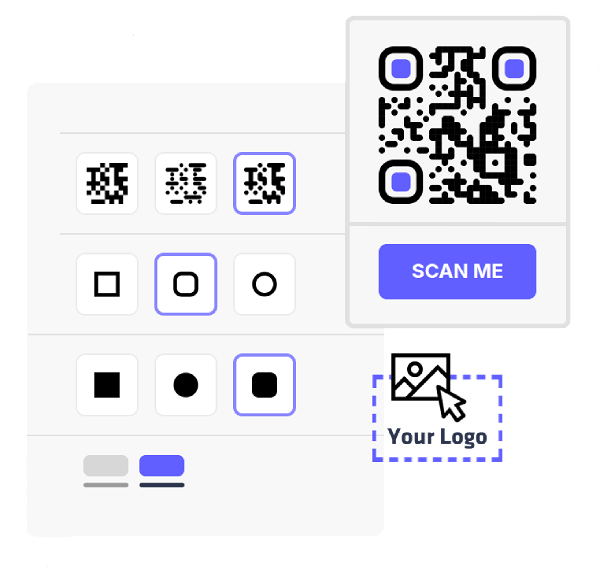
- Pick your colors, change the module and eye styles, and add your logo to match your brand.
- Export your QR Code in PNG or SVG — both formats are ready for digital use or high-quality print.
- Add the QR Code to your business card, email signature, resume, or any material where people need your contact details.
Where to use a vCard QR Code