Website QR Code Generator
What is a website QR Code?
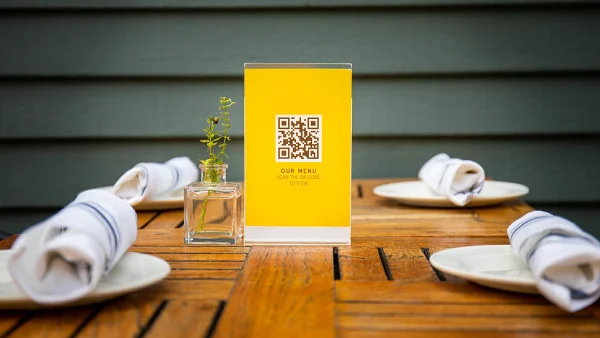
A website QR Code lets users open a web page instantly by scanning with their phone. Instead of typing a URL, they go from a poster, menu, or product label directly to your website in one tap.
Website QR Codes come in two types. Static QR Codes point to a fixed URL that cannot be changed after creation. Dynamic QR Codes let you update the destination at any time without reprinting the code—and they also collect scan data so you can measure performance.
Add them to packaging, brochures, business cards, signage, or menus to turn offline interactions into instant online engagement. No typing, no searching, no friction.
Why use a website QR Code?
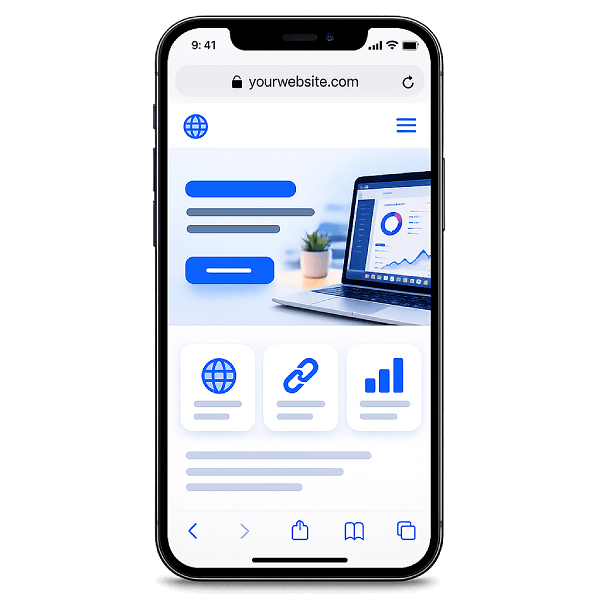
Website QR Codes make digital content instantly accessible from physical surfaces. They work across all devices, require no app, and bridge the gap between print and online in a single scan.
- Faster than typing — Users scan and land on your page in seconds. No spelling out URLs, no transcription errors, no friction—especially on mobile where manual entry is tedious.
- Built for print — Place QR Codes on brochures, packaging, menus, business cards, and posters. Turn any printed surface into a direct link to your online content.
- Trackable and editable — Dynamic QR Codes track total scans, unique visitors, location, and device data. Change the destination URL anytime without reprinting.
- Works on any smartphone — No app required. Works with every modern smartphone camera across all devices and regions.
How to create a website QR Code
- Paste any website link into the generator above — landing pages, portfolios, menus, or anything with a URL.
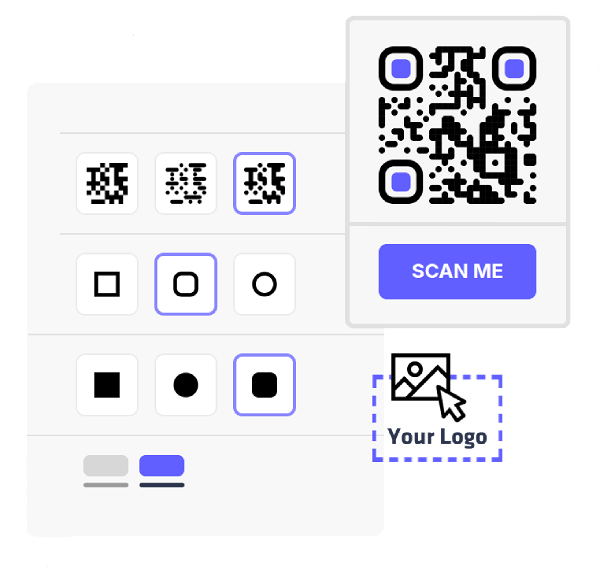
- Pick your colors, change the module and eye styles, and add your logo to match your brand.
- Export your QR Code in PNG or SVG — both formats are ready for digital use or high-quality print.
- Create an account to manage your QR Codes, update destinations, and monitor scan analytics over time.
Smart ways to use a website QR Code