SMS QR Code Generator
Enter the phone number and message, customize the design, and download your QR Code.
What is an SMS QR Code?
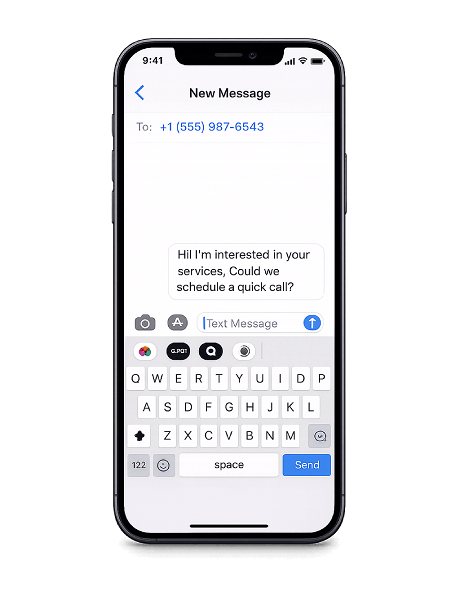
An SMS QR Code stores a phone number and an optional pre-written message. When scanned, it opens the phone's messaging app with everything filled in — the recipient just taps send.
Instead of asking people to type a number and compose a message from scratch, an SMS QR Code removes the friction. One scan and the conversation is ready to start.
Place them on receipts, flyers, packaging, posters, or business cards — anywhere you want people to reach you by text without any extra steps.
Why use an SMS QR Code?
SMS QR Codes turn a physical touchpoint into an instant text message. No apps to install, no internet required, and the message is ready to send before the user types a single character.
- Pre-filled and ready to send — The phone number and message are already set. Users scan, review, and tap send — no typing, no mistakes, no dropped messages.
- Works without internet — SMS is delivered over the cellular network, not Wi-Fi or mobile data. The QR Code works anywhere there's a phone signal.
- Universal compatibility — SMS works on every phone with a SIM card — smartphones, feature phones, and older devices alike. No app or operating system requirement.
- No app required — The phone's built-in messaging app handles everything. No downloads, no logins, no third-party tools.
How to create an SMS QR Code
- Enter the recipient's phone number and compose an optional message in the generator above.
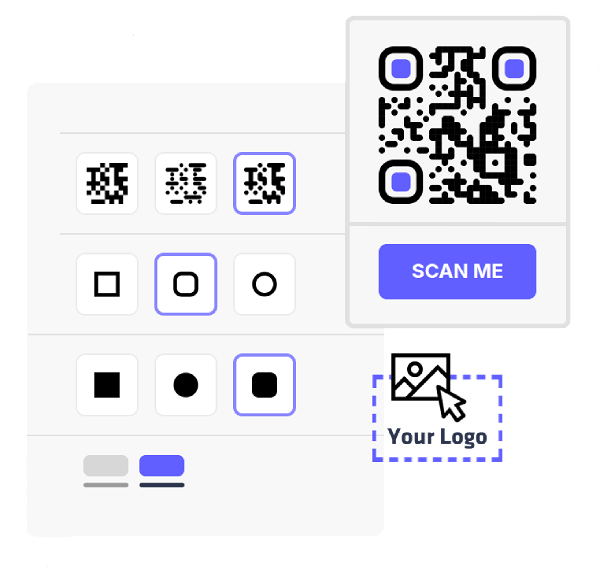
- Pick your colors, change the module and eye styles, and add your logo to match your brand.
- Export your QR Code in PNG or SVG — both formats are ready for digital use or high-quality print.
- Print the QR Code on receipts, flyers, packaging, posters, or any surface where you want people to text you instantly.
Smart ways to use an SMS QR Code
Support & helpdesk
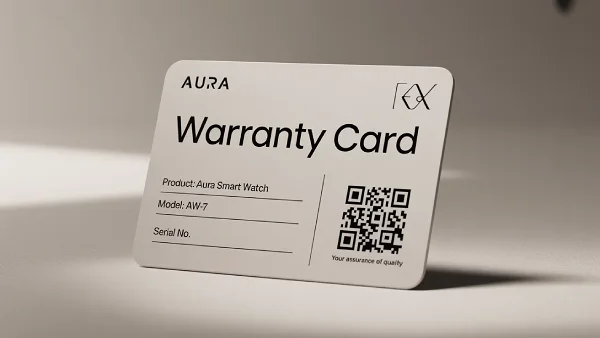
Add a QR Code to product manuals, warranty cards, or packaging inserts. Customers scan to text your support team directly — no waiting on hold, no navigating a website.
Promotions & opt-ins
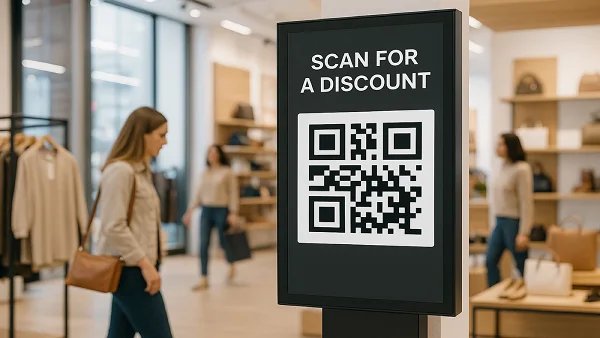
Add a QR Code to storefronts, retail displays, or printed ads. Customers scan to text a keyword and subscribe to deals, updates, or loyalty programs — no app or signup form needed.
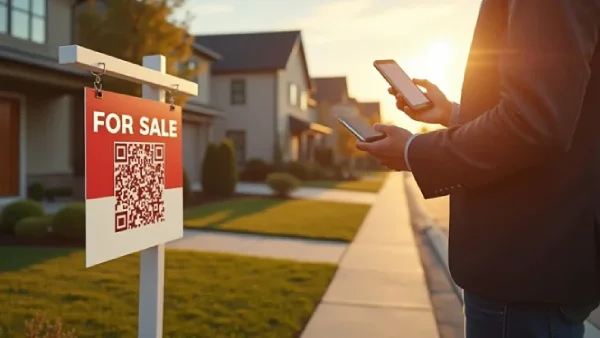
Real estate inquiries
Add a QR Code to property signs, listing sheets, or window displays. Buyers scan to text the agent directly for details, pricing, or to schedule a viewing.
Frequently asked questions
Yes — include the full international format (e.g. +1 for the US) to make sure the code works for anyone scanning it, regardless of their location.
Yes. You can set the recipient's phone number and compose an optional message of up to 160 characters. If you leave the message blank, the messaging app opens with just the number filled in.
No. The messaging app opens with everything pre-filled, but the user must tap send manually. This gives them a chance to review or edit the message before sending.